

AI isn’t “the future” anymore, it’s already part of daily life. In fact, global adoption of generative AI kept rising through 2025, reaching 16.3% of the world’s population (roughly 1 in 6 people) by the second half of the year.
And it’s not just casual use. Some countries are moving even faster: the UAE ranked #1 in AI adoption, with 64.0% of the working-age population using AI at the end of 2025, ahead of Singapore at 60.9%.
So it’s no surprise that students are using AI too. One global survey found that 86% of students use AI in their studies, and 54% rely on it every week, especially for things like brainstorming ideas, summarizing content, and improving writing.
And AI doesn’t have to stop at schoolwork. It can also support you through the university application process, which, let’s be honest, can feel intense. You’re juggling requirements, deadlines, documents, essays, recommendation letters… and on top of that, you still have school, work, family responsibilities, and real life. It’s very easy to feel overwhelmed or unsure where to start.
That’s where AI can be useful, not as a shortcut, but as your personal assistant to help you stay organized, work faster, and have a stronger application.
Here are some of the best (and most importantly, free) AI tools students can use during the university application process, from writing support to resume building and planning your time.
8) ChatGPT
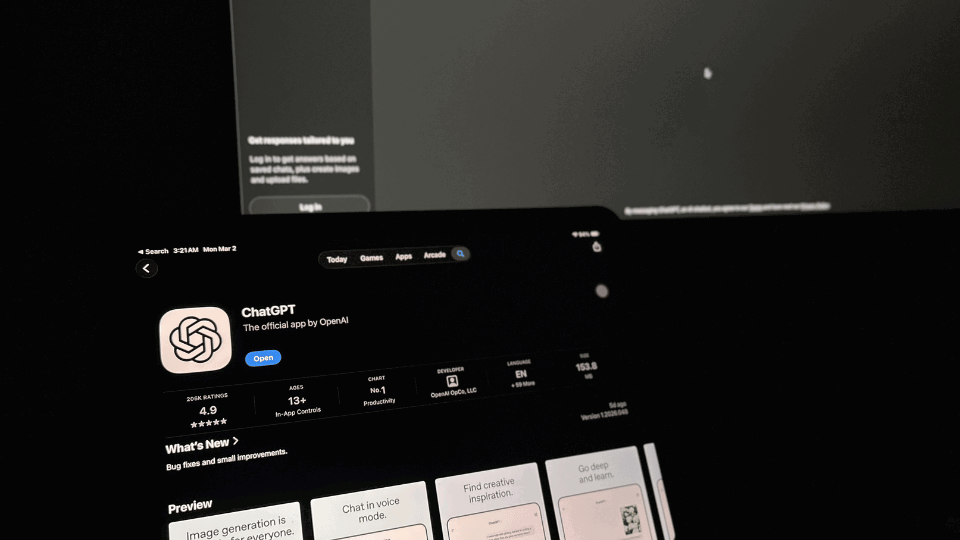
Best for: brainstorming essay angles, outlining personal statement, polishing drafts, mock interviews ChatGPT is one of the most flexible tools for university applications. You can use it to:
- generate ideas for your personal statement when you feel stuck
- turn your messy bullet points into a clean outline
- rewrite a paragraph to sound clearer (without changing your meaning)
- practice interview questions like a real interviewer
Don’t ask ChatGPT to “write my SOP.” Instead, give it your own experiences and ask: “Can you help me structure this story better?” or “How can I make this paragraph more specific?”
7) Google Gemini
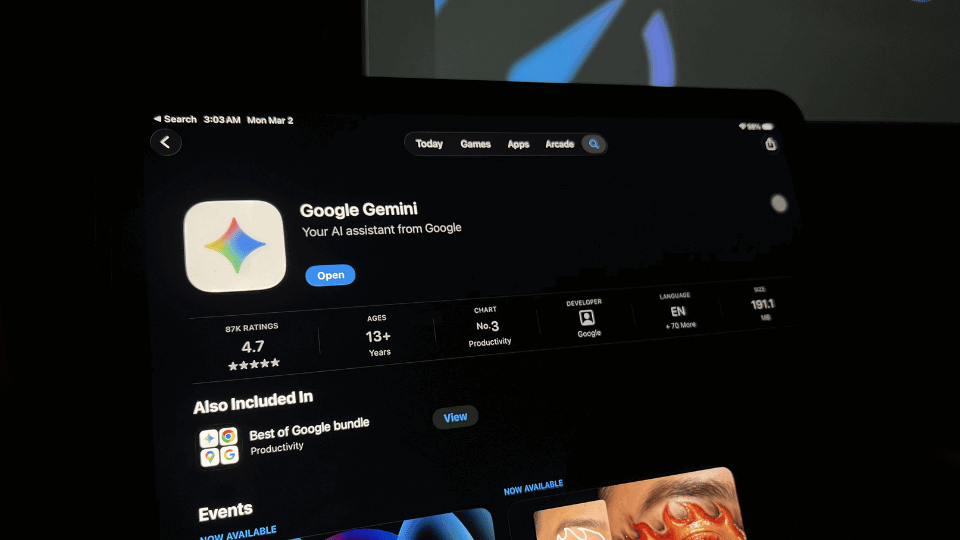
Best for: research, summarizing program requirements, generating checklists, drafting emails Gemini is great when you need to process information fast. Use it to:
- summarize program requirements from long webpages
- compare 2–3 universities quickly
- generate a document checklist based on a specific program
- draft a polite email to a professor requesting a recommendation letter
If you’re applying to multiple countries, Gemini can help you organize what each destination typically requires.
6) Perplexity AI
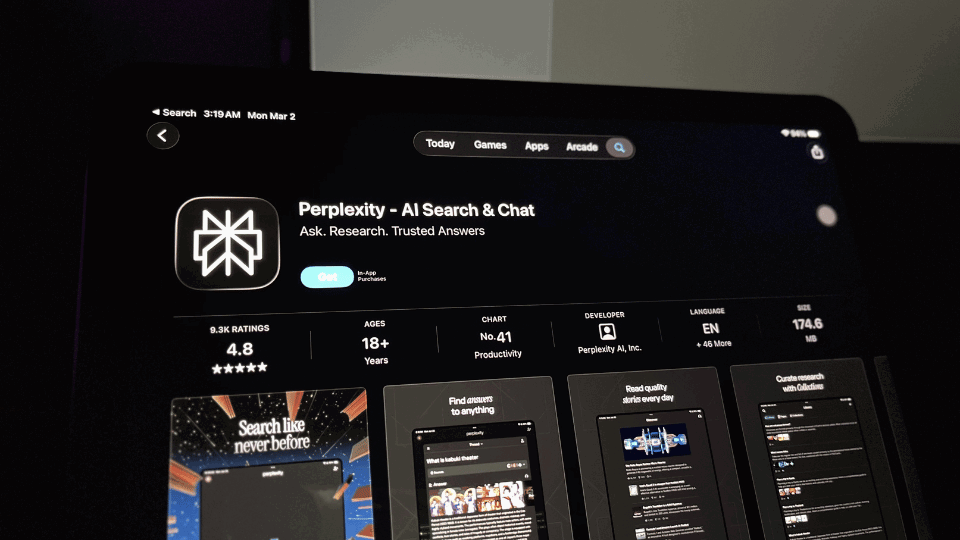
Best for: real-time research, fact-checking program requirements, finding up-to-date deadlines
Perplexity is like a smarter search engine powered by AI. Unlike ChatGPT or Claude, it pulls answers directly from the web in real time and cites its sources, which makes it especially useful when you need accurate, current information. Use it to:
- research tuition fees, visa requirements, and application deadlines
- fact-check details you're unsure about before adding them to your documents
- get quick, sourced answers about specific universities or programs
- explore scholarship options by country or field of study
Because Perplexity shows you where the information comes from, you can quickly verify whether a source is official (like a university website) before trusting it. This is a big advantage over tools that generate answers without citations.
5) Claude
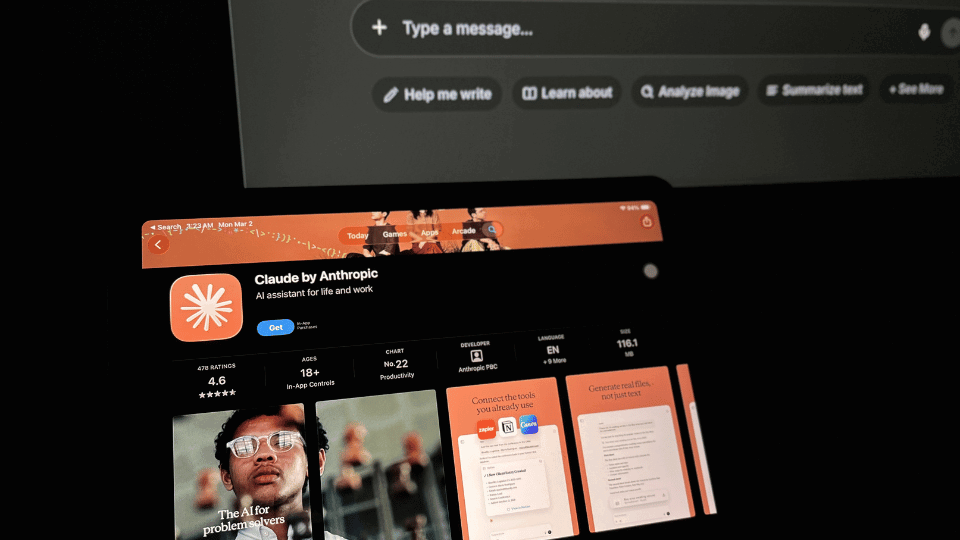
Best for: improving clarity and structure while keeping a natural voice
Claude is especially helpful for long-form writing like personal statements and scholarship essays. It tends to be very good at:
- making writing flow better
- improving structure and clarity
- keeping your tone more “human” compared to overly formal AI writing
If your essay feels too long, too messy, or repetitive, Claude is a great editor.
4) Grammarly
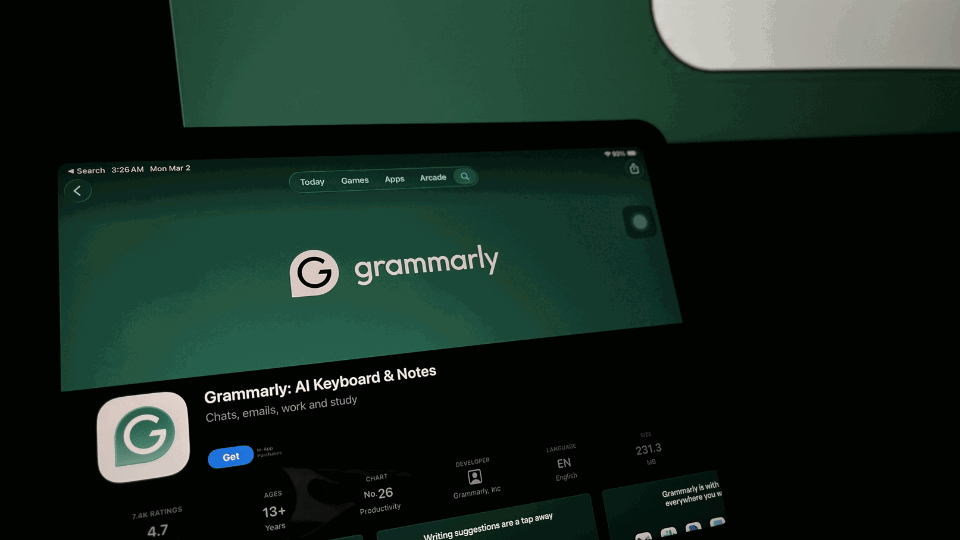
Best for: grammar, clarity, tone, and catching small mistakes
Grammarly is the easiest “final check” tool before you submit anything. It helps you clean up:
- grammar and punctuation
- confusing sentences
- overly casual tone (or overly harsh tone)
- common non-native English mistakes
It also has a plagiarism checker in some versions, which can be useful as a final safety net.
3) Rezi
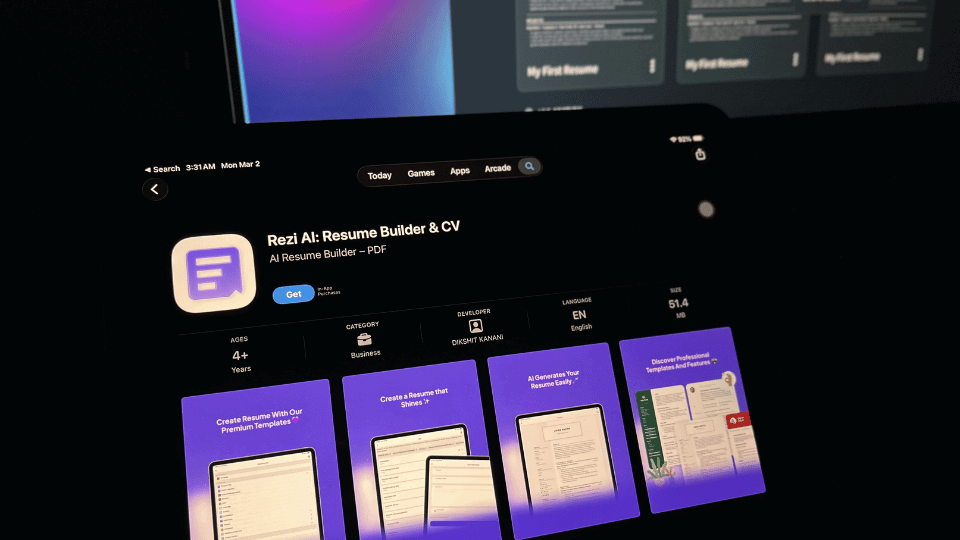
Best for: building a clean, professional CV quickly
A lot of students struggle with CVs because they don’t know what format is expected internationally. Rezi helps you:
- create a strong resume layout fast
- write bullet points that sound professional
- tailor your CV to different programs
If you’re applying for scholarships, internships, or programs that require a CV then Rezi is a great tool.
2) Trevor AI
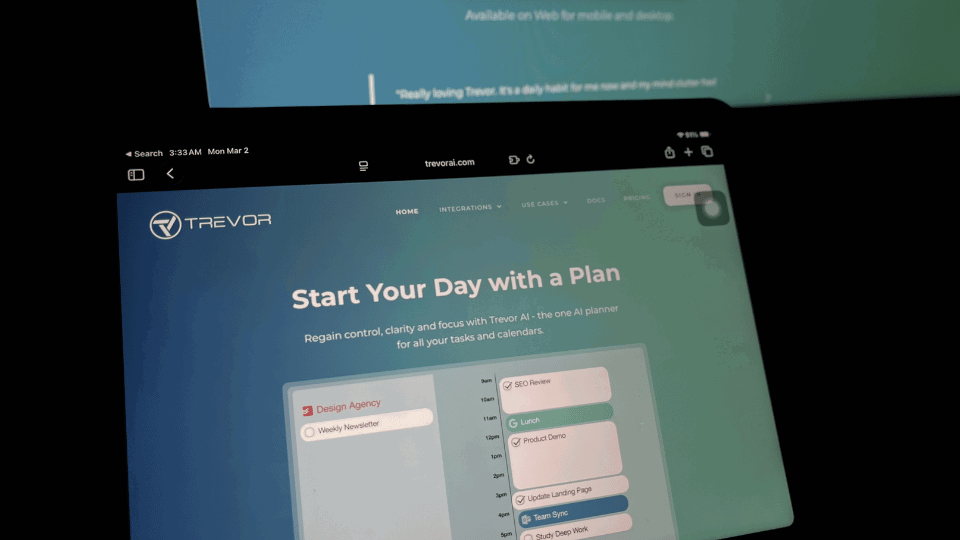
Best for: time-blocking, planning tasks, deep focus sessions
- schedule tasks like “write personal statement draft” or “request transcript”
- time-block your week so you don’t fall behind
- plan deep-focus sessions (super helpful when you work or study full time)
If you’ve ever felt like “I have so much to do but I don’t know what to do first,” this tool helps you stay on track.
1) Mia (Global Admissions)
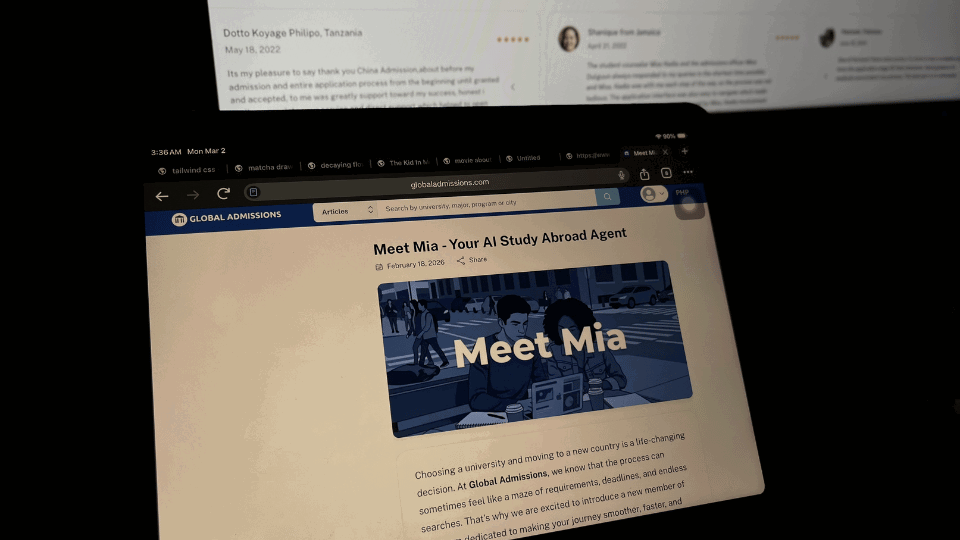
Best for: 24/7 admissions guidance, from exploring options to hitting “submit”
Mia is your admissions advisor AI at Global Admissions, designed to help you navigate international education from start to finish. Whether you’re:
- still exploring which countries are affordable
- checking if you qualify for a program
- comparing options and deadlines
- or preparing to submit your documents
Mia is there for support anytime, anywhere especially when you need quick guidance and don’t want to feel lost.
How to Use AI Responsibly?
AI is powerful, but it comes with responsibility. Copy-pasting AI answers and submitting them as your own is not okay. In fact, the most common concern students have when using AI is being accused of plagiarism or cheating (33%). Students also worry about becoming overly dependent on AI (30%) and about misinformation or incorrect interpretation (28%). Other concerns include the loss of meaningful learning experiences (24%) and broader ethical concerns such as autonomy and responsibility (24%).
Those concerns are valid and that’s why the goal isn’t to use AI more. It’s to use AI better.
The best way to think about AI is this:
AI is not here to replace your brain. Instead, it’s here to support it.
Treat AI like your “right hand”. It helps you organize, improve, and polish, but the core ideas, story, and motivation must come from you.
Healthy ways to use AI
- Brainstorm topics when you’re stuck
- Improve structure and clarity
- Fix grammar and tone
- Create timelines and checklists
- Practice interview answers
Responsible habits when using AI
- Verify facts (remember: AI can be wrong, especially about requirements and deadlines)
- Never submit AI-generated work as fully “yours”
- Add your personal stories and details (this is what makes you memorable)
- Avoid entering sensitive data into prompts (e.g. passport numbers, addresses, private documents or information, etc.)
Universities don’t want “perfect robotic writing.” They want you. Your real story, your goals, your voice.
Ready to Start Your Global Adventure?
AI isn’t going away. The question isn’t whether students will use AI but it’s when and how they use it.
If you use it wisely, AI can help you:
- stay organized during deadlines
- reduce stress
- write more clearly
- and submit stronger applications overall
And if you’re planning to study abroad in the upcoming intake, the best strategy is simple: prepare early.
Mia can help you explore programs, check qualifications, and guide you step-by-step through the admissions process.
If you’re ready to start, explore more programs on Global Admissions and let Mia support your journey.
Frequently Asked Questions (FAQ)
1) Will universities reject me if I use AI?
It depends on the university’s policy and how you use it. Remember, AI should support your process (structure, clarity, editing), not replace your ideas or writing.
2) Is it plagiarism if I use AI to rewrite my personal statement?
It can be, if you submit something fully AI-generated or copy-paste results without your own contribution. The safest approach is to write your own draft first, then use AI as an editor.
3) How can I avoid sounding robotic?
Add specific personal details (your real story, goals, achievements), use natural phrasing, and read your essay out loud. If it doesn’t sound like you, rewrite it.
4) What should I never put into an AI prompt?
Personal or sensitive info like passport / ID numbers, home address, financial details, or anything you wouldn’t want stored or leaked.
5) Can AI help with scholarships too?
Of course. For example: Mia (Global Admissions) can help you explore scholarship options by program/country, track deadlines, and list the required documents.
6) How do I use AI without becoming dependent on it?
Use it for specific tasks (outline, edit, checklist, time management). Always do the final thinking, rewriting, and decision-making yourself.
Sources: